

One of the easiest mistakes in a wireless network upgrade is to install next-generation access points in the existing locations and expect higher speeds. Yet the user experience is determined not by the “Wi-Fi 7” label on the access point, but by how the radio-frequency plan, client capabilities, wired infrastructure, power capacity, and security policies work together. The migration should therefore be treated as an end-to-end infrastructure project rather than a product replacement.
What Wi-Fi 7 Brings to an Enterprise Network
Wi-Fi 7 is the industry name for the IEEE 802.11be standard. The standard uses the EHT — Extremely High Throughput approach. One of its key capabilities, MLO — Multi-Link Operation, allows a compatible client and access point to use more than one radio link within the same session. The goal is not only to increase speed, but also to improve latency and connection stability under congestion and interference.
A 320 MHz channel provides a wider data path in the 6 GHz band, while the modulation method known as 4096-QAM carries more data under suitable signal conditions. Multi-RU supports more flexible allocation of radio resources. These are maximum capabilities, however. National spectrum regulations, the access point model, client support, distance, and interference determine the actual outcome. Although the IEEE standard is designed to coexist with older 2.4, 5, and 6 GHz devices, a legacy client does not automatically benefit from the new features.

Measure the Radio Environment and Client Fleet First
The 6 GHz band adds capacity, but its signal may weaken more than 5 GHz under the same distance and obstruction conditions. Existing access point locations should therefore not be copied directly. Begin with predictive planning based on the building layout, then conduct an on-site RF survey to measure signal level, signal-to-noise ratio, channel utilization, and sources of interference. In factories, motors, metal surfaces, and moving storage areas also require separate evaluation.
The client inventory is just as important as the radio plan. Record the supported bands and security profiles of laptops, handheld terminals, phones, production devices, and IoT endpoints. If Wi-Fi 6 and 6E devices will remain on the network for an extended period, test mixed-operation scenarios. Migration success should be measured by asking what proportion of devices running critical applications received the target experience, not simply how many access points were replaced.
Prevent the Wired Backbone and PoE Budget from Becoming Bottlenecks
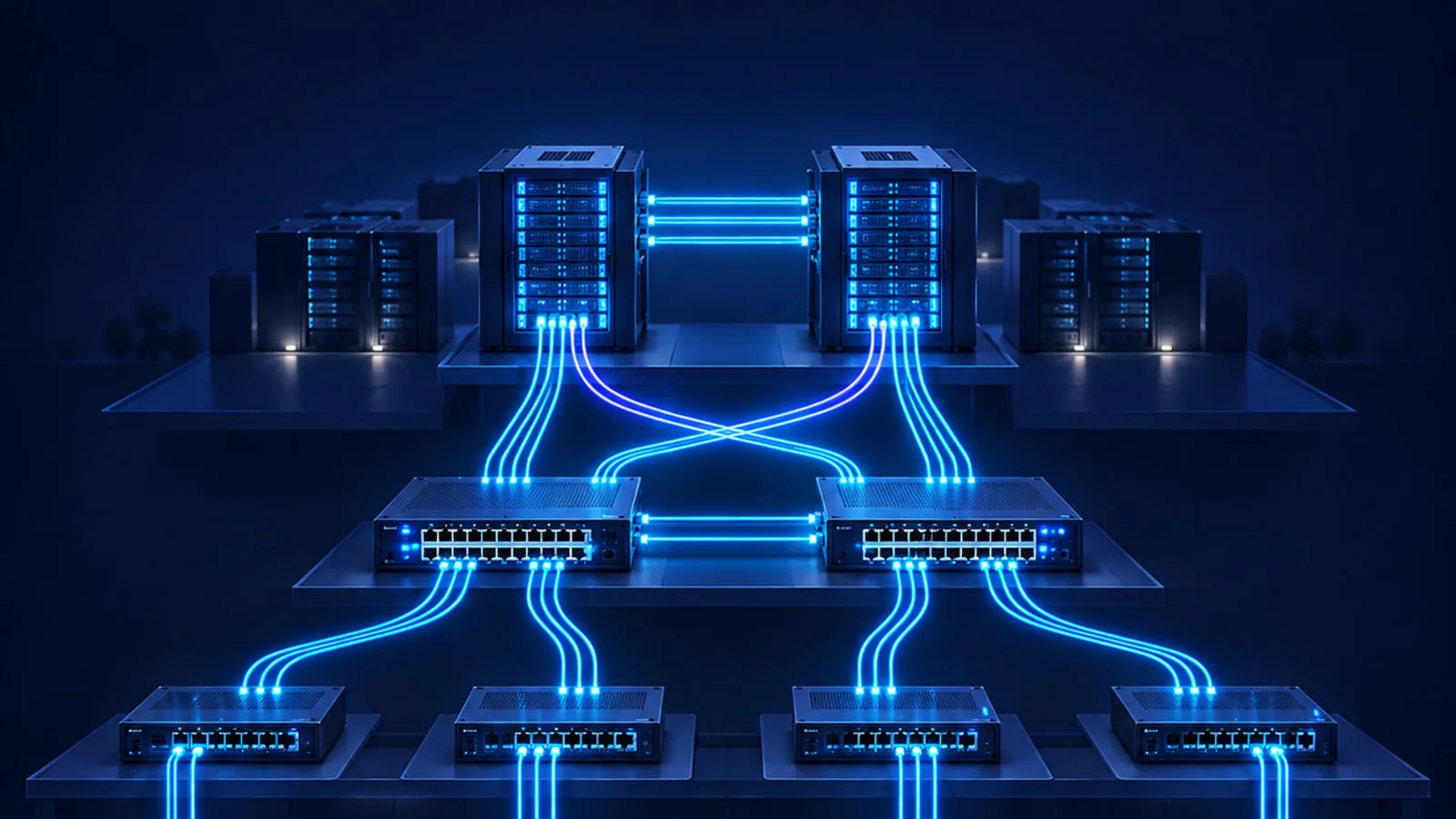
The wireless capacity of a new access point may go unused if its switch connection is limited to 1 Gb/s. Depending on the selected model, review 2.5, 5, or 10 Gb/s multigigabit Ethernet ports, uplink capacity, and the switching architecture. Model the traffic generated by many access points at the same time across the distribution layer, firewall, internet connection, and controller.
The PoE — Power over Ethernet budget is about more than the number of ports. Consider the power an access point needs to operate with all capabilities enabled, the switch’s total power capacity, redundant power supplies, and heat in cable bundles. Verify the category, channel length, and test results of the existing copper cabling. Design new installations for multigigabit speeds and future power requirements.
Update Security and Operations Alongside the Upgrade
A new radio standard does not make weak authentication or a flat network secure. Plan WPA3-Enterprise, 802.1X authentication, and centralized RADIUS and NAC policies for enterprise users. Keep IoT and guest devices that do not support the new security profile in separate network segments with limited access. Verify country-specific regulations and supported security profiles for 6 GHz use before the project begins.
On the operations side, monitor access point, switch, and client telemetry in a unified view. A before-and-after comparison is not possible without baseline values for retry rate, channel utilization, roaming time, connection success, application latency, and outage count. Establish a controlled update schedule for software, drivers, and access point firmware.
High availability means more than deploying two controllers. DHCP, DNS, RADIUS, NAC, and certificate services are part of the wireless access chain; latency in any one of them can appear to the user as a Wi-Fi problem. Test the redundancy, capacity, and monitoring of these dependencies during the pilot, and document how access to local enterprise applications behaves when the internet connection is unavailable. Limit access point and controller administration to privileged accounts, use multi-factor authentication, and log configuration changes.
Common Mistakes
· Presenting theoretical maximum speed as a guaranteed speed for every user.
· Replacing old access points one for one without an RF survey.
· Failing to verify client drivers, MLO support, and 6 GHz compatibility.
· Treating multigigabit ports, uplinks, and PoE capacity as afterthoughts.
· Weakening the entire network’s security profile to accommodate legacy IoT devices.
· Running only speed tests while ignoring roaming, latency, packet loss, and application experience.
Industry Use Cases
In manufacturing, Wi-Fi 7 can provide capacity for high-resolution video transmission, augmented-reality maintenance, and mobile terminals. OT network segmentation and production safety still take priority over speed. In healthcare, staff, medical device, and guest traffic should follow separate policies, and roaming tests should use critical applications. In logistics, rack and aisle geometry must be measured together with continuously moving handheld terminals. On campuses and in offices, dense video meetings, shared workspaces, and guest access are primary inputs to capacity planning.
Phased Migration Roadmap
The first phase defines business objectives and success criteria, then documents current RF measurements, client inventory, cable test results, switch ports, and PoE capacity. The second phase prepares the target architecture, security policy, and channel plan. The third phase establishes a pilot in a limited area that represents different wall materials and user densities.
During the pilot, test roaming, congestion, voice and video, critical applications, and failure scenarios with both legacy and new clients. If the results meet the acceptance thresholds, expand by floor or location. Repeat the measurements after each wave and adjust channels, power, and access point placement based on actual use. The final phase covers continuous monitoring, capacity forecasting, and lifecycle management.

Short Checklist
· Are latency, capacity, and roaming targets defined for critical applications?
· Are the RF survey and interference measurements current?
· Is the proportion of Wi-Fi 7, Wi-Fi 6E, and legacy clients known?
· Do switch ports, uplinks, PoE, and UPS systems have sufficient capacity?
· Are cabling test reports available?
· Are WPA3-Enterprise, 802.1X, and segmentation policies ready?
· Are the pilot acceptance thresholds and rollback plan documented?
· Have the experience indicators for post-rollout monitoring been defined?
Sources
· IEEE 802.11be-2024 — Extremely High Throughput standard (https://standards.ieee.org/ieee/802.11be/7516/)
· Wi-Fi Alliance — Wi-Fi CERTIFIED 7 announcement (https://www.wi-fi.org/news-events/newsroom/wi-fi-alliance-introduces-wi-fi-certified-7)
· NIST SP 800-153 — Guidelines for Securing Wireless Local Area Networks (https://csrc.nist.gov/pubs/sp/800/153/final)
· NIST AMS 300-4 — Guide to Industrial Wireless Systems Deployments (https://www.nist.gov/publications/guide-industrial-wireless-systems-deployments)